Buy a parking ticket
The driver enters the plate, selects an allowed option and confirms activation under local rules.
IN-PERSON SELF-SERVICE
A physical channel with the Digipare interface for drivers who prefer to handle parking at a service point. The operation defines the available services, local rules and peripherals for each project.
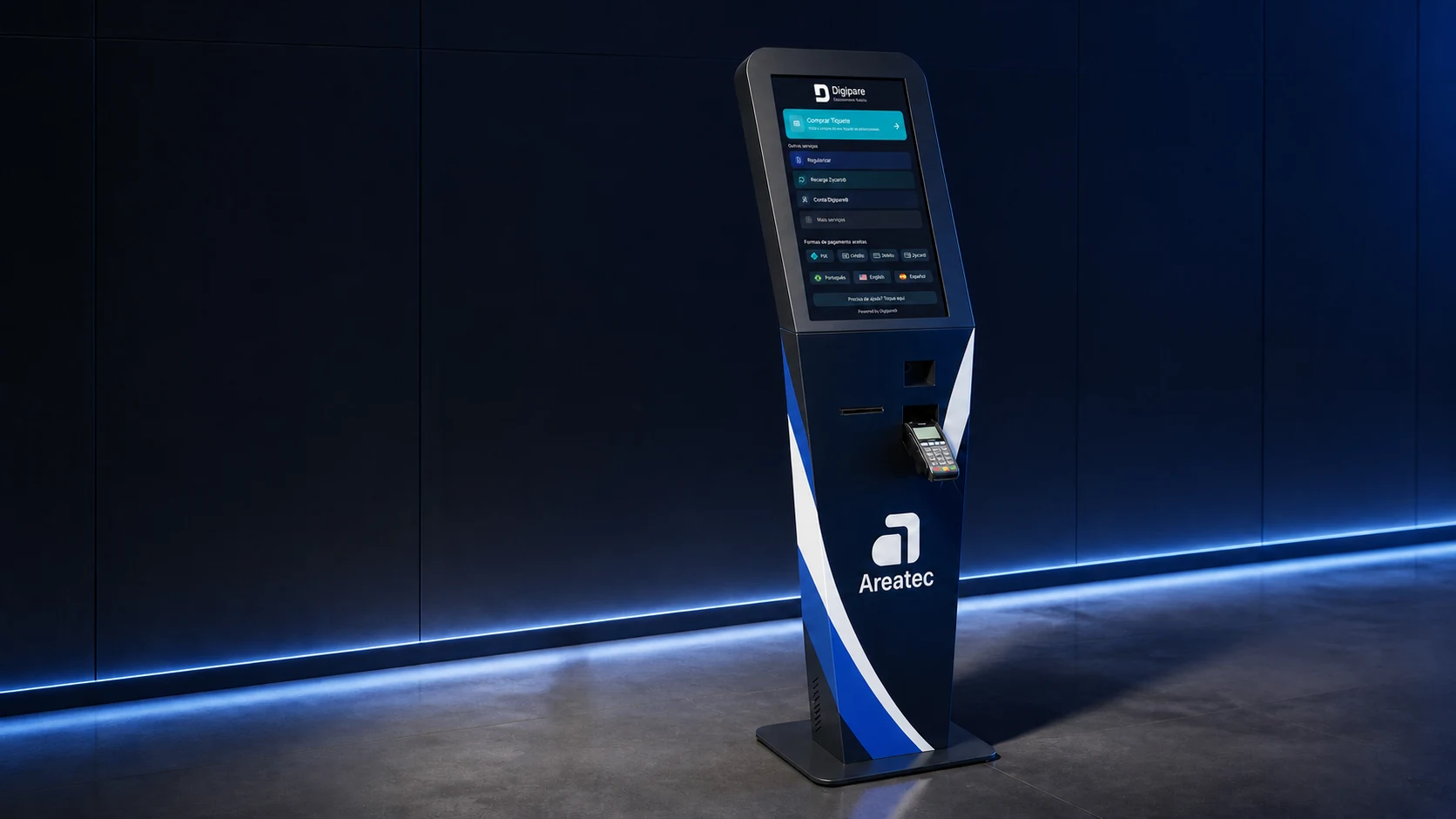
ANOTHER CHANNEL FOR DRIVERS
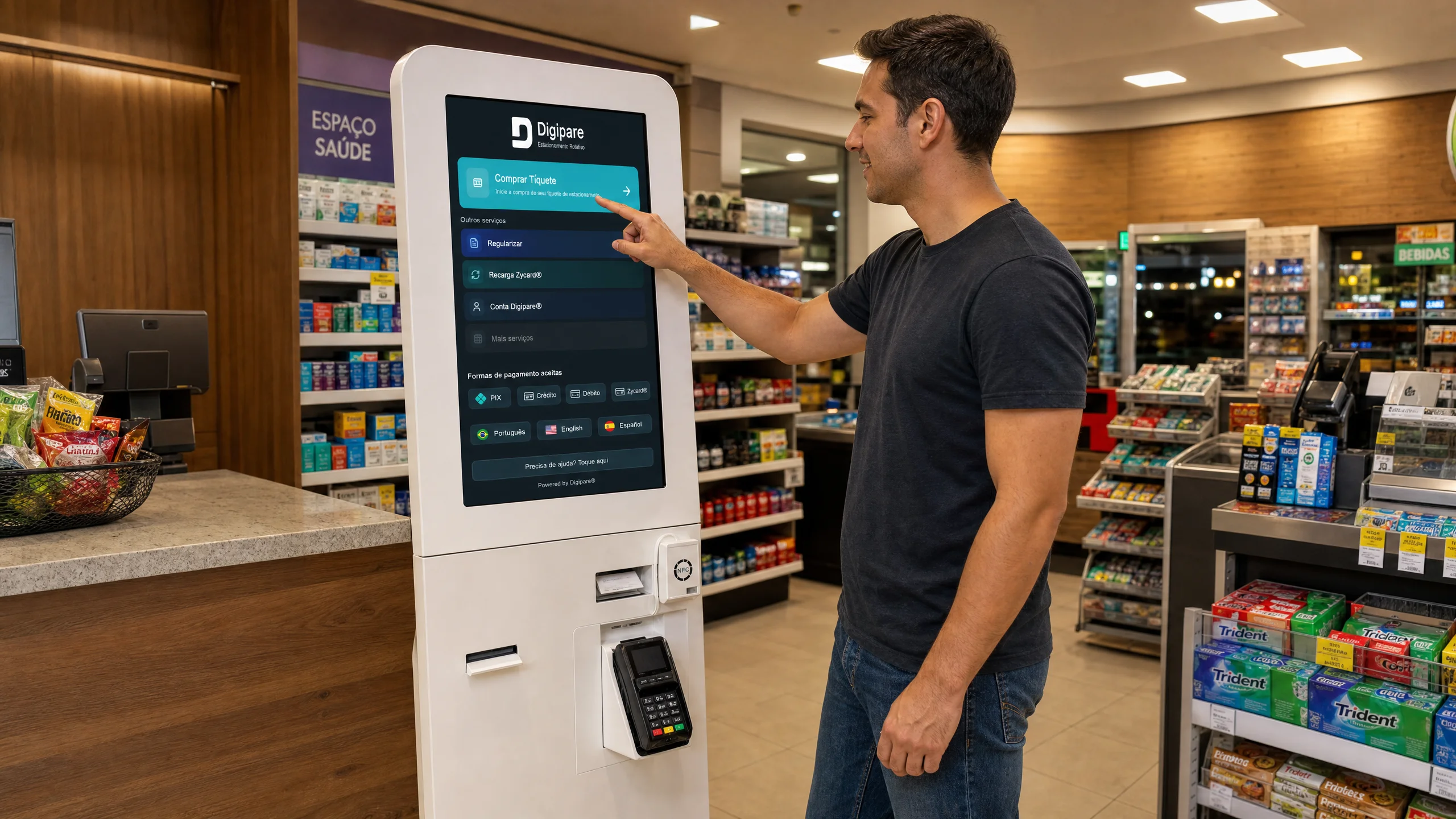
The Indoor Kiosk brings the digital flow to service points and partner premises. The screen guides each step and shows only the functions enabled for that operation.
The driver enters the plate, selects an allowed option and confirms activation under local rules.
Where local rules provide for this procedure, the corresponding flow can be offered at the physical point.
Top-up can be part of the journey when this method is enabled by the operation.
Account services can be presented in the same self-service environment, according to the project.
FROM SCREEN TO DIGITAL RECORD
The interface organizes service into clear steps. A completed service enters the digital flow configured for the city, without turning the kiosk into the municipal management system.
The home screen displays only the options available at that point.
Plate, account and other fields are requested according to the selected service.
The user reviews the information and uses the method enabled in the project.
The transaction proceeds to the operational components integrated with the physical channel.
TWO CONFIGURATIONS
Areatec combines visual identity, the Digipare interface and the components specified for the project. Both configurations use carbon-steel structures and are intended for indoor or protected environments.
COMPACT CONFIGURATION
Designed for service points with controlled space and focused self-service flows.
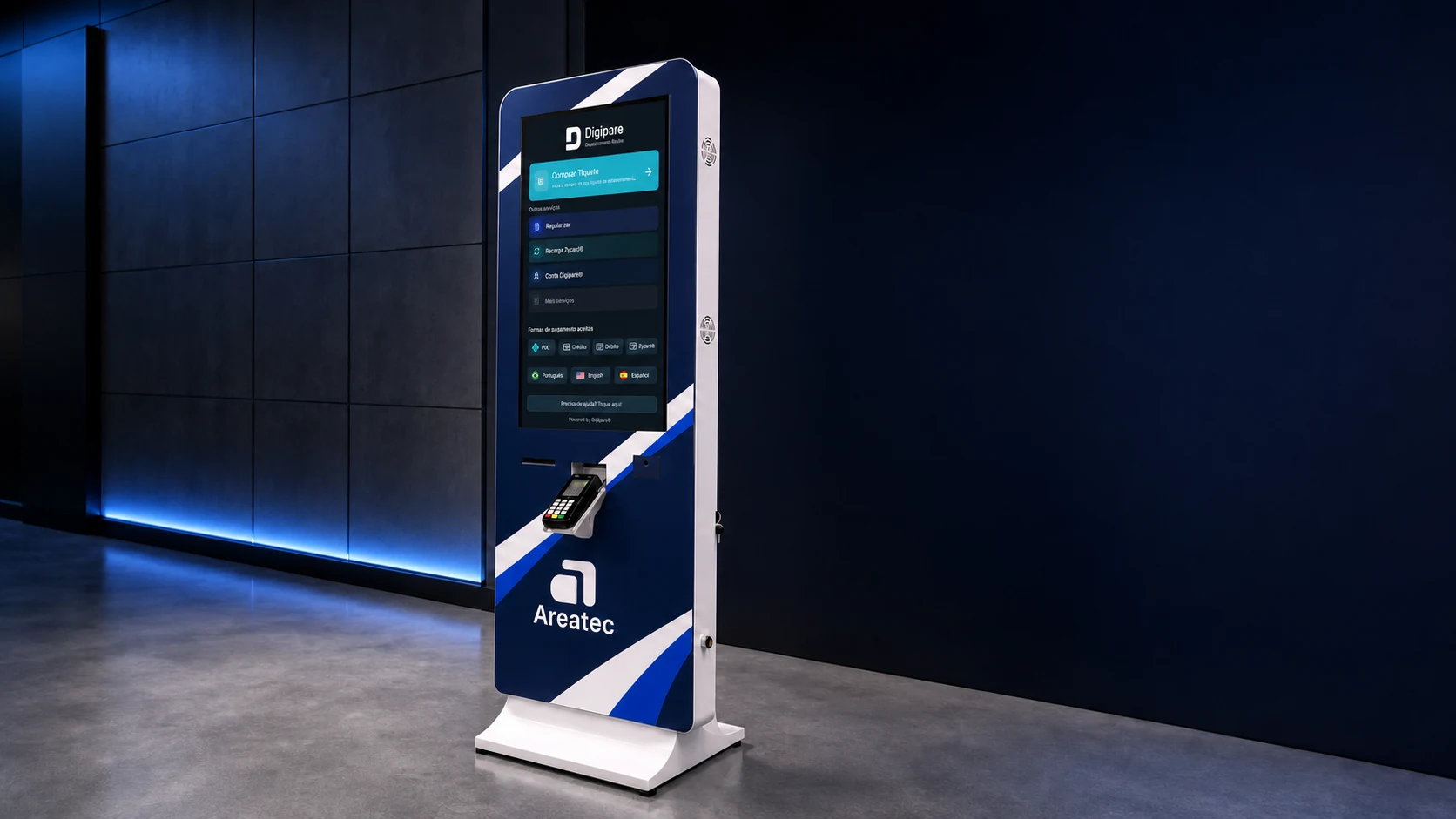
MEDIA CONFIGURATION
Expands the visual area to combine self-service and communication at one point.
Dimensions, finish, display and peripherals must be confirmed in the project specification. Optional items are not automatically included in every configuration.
PHYSICAL AND DIGITAL PROJECT
Before installation, the team organizes what the point will offer, how users will reach it and which components are required to complete each service.
Indoor or protected space, circulation, visibility, anchoring and electrical supply.
Screen order, fields, messages, languages and confirmations required for each service.
Reader, printer, pin pad and connectivity are selected only when the flow requires them.
Tariff, time, area, regularization, accepted methods and integrations follow the local project.
CLEARLY DEFINED ROLES
The links below explain the relationship between the physical channel, driver app and operating platform without mixing their responsibilities.
Driver app and account used in cities that adopt the product.
Explore the driver appB2G software that connects rules, channels, enforcement and reconciliation.
Explore the operating platformA guide to requirements for selecting a regulated parking system.
Review evaluation criteriaFREQUENTLY ASKED QUESTIONS
Direct answers about scope, configuration and physical-channel availability.
Yes. The Indoor Kiosk provides a physical self-service channel in operations that adopt it. Drivers enter the requested information on screen and complete the service available at that location, according to local rules and project configuration.
A project can enable ticket purchase, regularization where local rules provide for it, Zycard top-up, Digipare Account access and other workflows supported by the operation. Feature availability is not the same in every city.
No. These peripherals are optional. Screen, printer, reader, pin pad, connectivity and other components are selected according to the services, payment methods and physical requirements defined for each project.
The 21-inch configuration has a smaller footprint and suits focused self-service flows. The 32-inch version expands the visual area and can combine service and institutional communication. Selection depends on location, expected demand and enabled services.
This solution is intended for indoor or protected environments defined by the project, such as service points and partner premises. Installation, power, connectivity, anchoring, circulation and accessibility must be assessed for the selected location.
Not necessarily. The Indoor Kiosk is part of operations and projects that adopt this channel. Services, rules, tariffs, payment methods and service locations are defined by the responsible local operation.
A PHYSICAL CHANNEL DESIGNED FOR THE PROJECT
Tell us where the kiosk will be installed, which services should be available and how local rules work. Areatec organizes the journey, physical configuration and required integrations.